
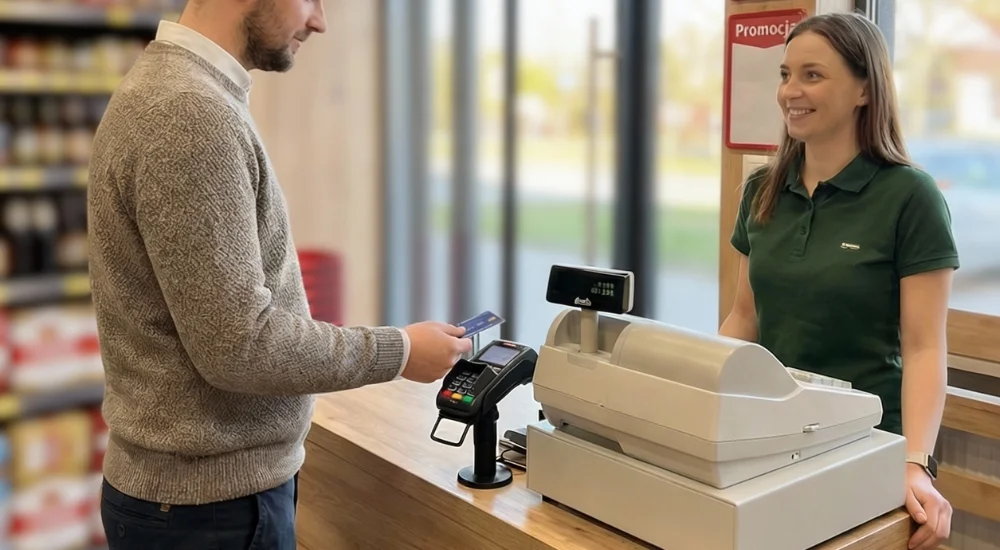
At fiskasy.pl, we know very well how troublesome errors can be when manually rewriting amounts from the cash register to the terminal. Instead of wasting time explaining discrepancies in reports, you should implement an integrated payment system. This guide will show you how to effectively and efficiently connect devices at your point of sale. Remember that we are always here to help – every day we commute to our clients on our reliable scooter to quickly perform configuration and fiscalization of equipment on-site.
Integrating a fiscal cash register with a terminal is the fastest way to eliminate cashier errors and speed up service. Although physically connecting the devices is not mandatory, you should still treat this solution as a standard in an efficiently running business. Configure your equipment wired, via Bluetooth, or over the network and enjoy automatic amount transmission with zero risk of error.
Why should you integrate equipment in your business?
An integrated system relies on automatic, two-way communication between your cash register and the payment terminal, utilizing the ECR-EFT protocol. You should know that such a connection immediately solves three common retail problems:
You eliminate cashier errors: The sale amount is sent to the terminal automatically, completely eliminating the risk of entering an incorrect value on the keypad.
You speed up service: Automation shortens single transaction times, which is absolutely crucial during peak traffic.
You simplify reporting: Systems working together allow you to generate fully consistent sales reports, where receipt data matches payment confirmations perfectly.
What do you need to know about current regulations?
You may have heard about the widely discussed obligation to connect online cash registers with terminals. You should know that this requirement was ultimately withdrawn by the Act of January 24, 2025. This change officially entered into force on April 1, 2025, and resulted from major technical challenges on the part of the hardware manufacturers themselves.
However, you should not confuse the two concepts. Abolishing the obligation to connect devices does not exempt you from the legal obligation to accept cashless payments themselves. You still must provide your customers with the ability to pay by card or BLIK.
How do we physically choose the connection type?
The connection method must be matched to how you work. Depending on the specifics of your location, you should choose one of the following solutions:
Wired (USB/RS232): This is the most stable and traditional method that you should use in shops or offices with a stationary counter.
Wireless (Bluetooth): Opt for this if you have a stationary cash register, but take the terminal directly to the customer (e.g., working as a waiter).
Network (Wi-Fi/Ethernet – TCP/IP): Implement this model if you have a more advanced POS system requiring centralized management in a larger retail location.
The launch process itself requires technical support. We start by verifying the hardware for ECR-EFT protocol compatibility, then pair the devices (via cable or network), configure ports and baud rates in the software, and finally perform a test transaction.
How does an integrated transaction work?
When serving a customer, you only need to look at your cash register – the terminal handles everything automatically. The entire process takes just a few steps:
You enter the items selected by the customer directly on the fiscal cash register.
You confirm the payment method by selecting "Card payment" or "Cashless payment".
In the blink of an eye, the cash register sends the required amount to the payment terminal.
The customer sees the amount on the terminal, taps their card or phone, and authorizes the transaction.
The terminal instantly returns the status to the cash register, followed by the receipt printing.
In addition to traditional cards, you can also easily process BLIK payments. Once the amount is sent to the terminal, you simply enter the 6-digit code provided by the customer, and the customer approves the purchase in their banking app.
Watch out for SoftPOS pitfalls (terminal on a phone)
You have probably come across offers for apps that turn a standard smartphone into a payment terminal. You should know that this solution comes with major limitations in business. SoftPOS apps typically only handle contactless transactions, which may exclude some of your customers. Furthermore, installing the app on your personal phone prevents other employees from using it. If, on the other hand, you decide to buy a separate phone with a sufficiently strong NFC module, you will pay just as much as for professional equipment. Therefore, you should treat it as an emergency backup rather than the foundation of everyday operations.
What issues should you consider?
Electronic devices sometimes fail. What happens when the internet goes down or a cable gets disconnected? In such a situation, the terminal disconnects from the cash register and automatically enters standalone mode. You will have to enter the amount manually on its keypad, and then check cables and network settings, or call technical support if necessary.
Always check the generation of the devices as well. Your online fiscal cash register will require you to have a terminal that supports the ECR-EFT protocol, e.g., version 1.7. Older terminal models simply might not support this communication standard.
For more information on this topic, see the comprehensive ESC SA article: Operating a fiscal cash register with a terminal – step-by-step guide.
Tired of manually rewriting amounts and constant errors?
Contact fiskasy.pl today! We will help you select compatible equipment, integrate your cash register with a terminal, and prove that seamless and fast sales are well within your reach. Call or write to us, and we will take care of the rest.