
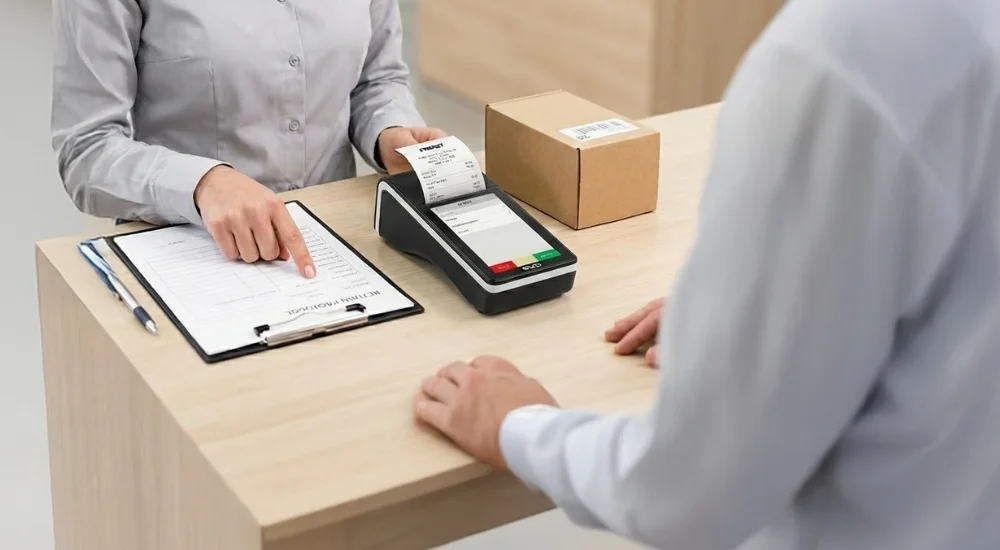
You need to know that you cannot directly ring up a return on a fiscal cash register. To legally reclaim tax and adjust sales, you must accept the goods, prepare a paper or electronic return protocol, and enter it into a separate register of returns and accepted complaints. This is the only legally compliant way.
A customer is standing at the counter wanting to return a purchased product, and you're frantically looking for a "return" button on your cash register? Stop looking. As your technology partner, the Fiskasy.pl team is here to clear up the confusion. Returns and accepted complaints are never rung up on a fiscal cash register. Below is a step-by-step guide on what to do to solve the customer's issue and keep your paperwork in order.
Why won't a fiscal cash register accept a return?
You must act in accordance with the law, specifically the Regulation of the Minister of Finance of April 29, 2021 (Journal of Laws 2021, item 2447). A fiscal cash register is used solely to record sales. Every receipt issued is a permanent, irreversible record that permanently increases your turnover and accrued VAT.
These systems were created to protect the integrity of fiscal data. If you could simply "subtract" a transaction on the device, it would prevent any effective tax audit. That's why registers – whether traditional or online fiscal cash registers – only record sales.
What should you do instead of clicking on the cash register?
To adjust the tax base in your VAT return and reclaim your money, you must set up and maintain a separate register of returns and accepted complaints. This is a separate log (as a notebook or digital file) where you chronologically record every transaction that reduces turnover.
What documents do you need to prepare? (Checklist)
With every accepted return, you must prepare a goods return protocol in duplicate – give one copy to the customer and keep the other for yourself. Make sure the protocol contains the following details:
The date of sale and the date the return or complaint was accepted.
The unique number and date of the fiscal receipt confirming the purchase.
The gross and net amounts from the original receipt.
The VAT amount from that receipt.
The name, quantity, and unit value of the returned item.
The total value of the return (turnover and tax).
The reason for the return or complaint.
Customer details, such as name and address, if required.
Legible signature of the customer and yours (or your employee's).
The customer lost the receipt. What should you do?
You'll often hear from customers that they misplaced their proof of purchase. Remember: a return without a receipt is entirely possible, and you must process it. A receipt is the most convenient, but under the law, the customer can prove the purchase in other ways. You can and should accept:
A terminal printout or bank statement showing card or BLIK payment.
A bank statement for wire transfer payments.
An order confirmation email (e.g., for click&collect).
A transaction record from your loyalty system.
When accepting such a return, simply describe in the protocol what alternative proof of purchase the customer provided.
What if you've already issued an invoice for the receipt?
If you have already issued an invoice for the receipt, the procedure changes slightly. In that case, your invoicing software handles the adjustment. Here is what to do:
Accept the returned goods and refund the money.
Fill out a standard return protocol as proof of physical return.
Issue a corrective invoice reducing turnover and VAT by the value of the returned item.
Be sure to include the original invoice number and receipt number on the correction.
Include the corrective invoice in your VAT return.
For more information on this topic, see the in-depth article by ESC SA: Recording returns on a fiscal cash register – how to register them properly?.
Want to avoid confusion when serving customers and looking for a cash register that integrates with your POS system and terminal? Contact the experts at Fiskasy.pl – we'll select a solution to make running any business easier!