
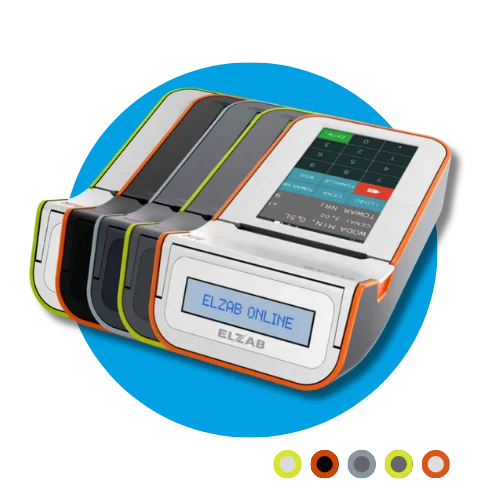
A technical inspection of a fiscal cash register must be performed at least every 2 years. Missing the deadline may result in a fine and the obligation to return the cash register purchase tax relief. The deadline is counted from fiscalization or from the last inspection recorded in the service book. Inspections are performed by an authorized service center – call us or leave your phone number, and we will call back to schedule an inspection.
Mandatory technical inspection
Mandatory technical inspection
A technical inspection is required every 2 years. Leave your number and we will call you back.
Issuing a receipt
On the main screen:
Select the appropriate item.
Press RAZEM.
Payment:
Press PŁATN.
Select the appropriate payment method from the list.
Press RAZEM to confirm.
⚠️ Payment must be received in full to complete the transaction.
SALE OF MULTIPLE ITEMS:
On the main screen:
Select

then

and enter how many units you want to sell, then confirm with the RAZEM key.
Press

and use the arrows to select the service you want to sell, confirm with the RAZEM key and confirm once more with the ZATW key.
Press RAZEM.
2. Payment:
Press PŁATN.
Select the appropriate payment method from the list.
Press RAZEM to confirm.
Return to the main window by pressing FUNKCJE → SZYBKA SPRZEDAŻ
Compatible thermal rolls
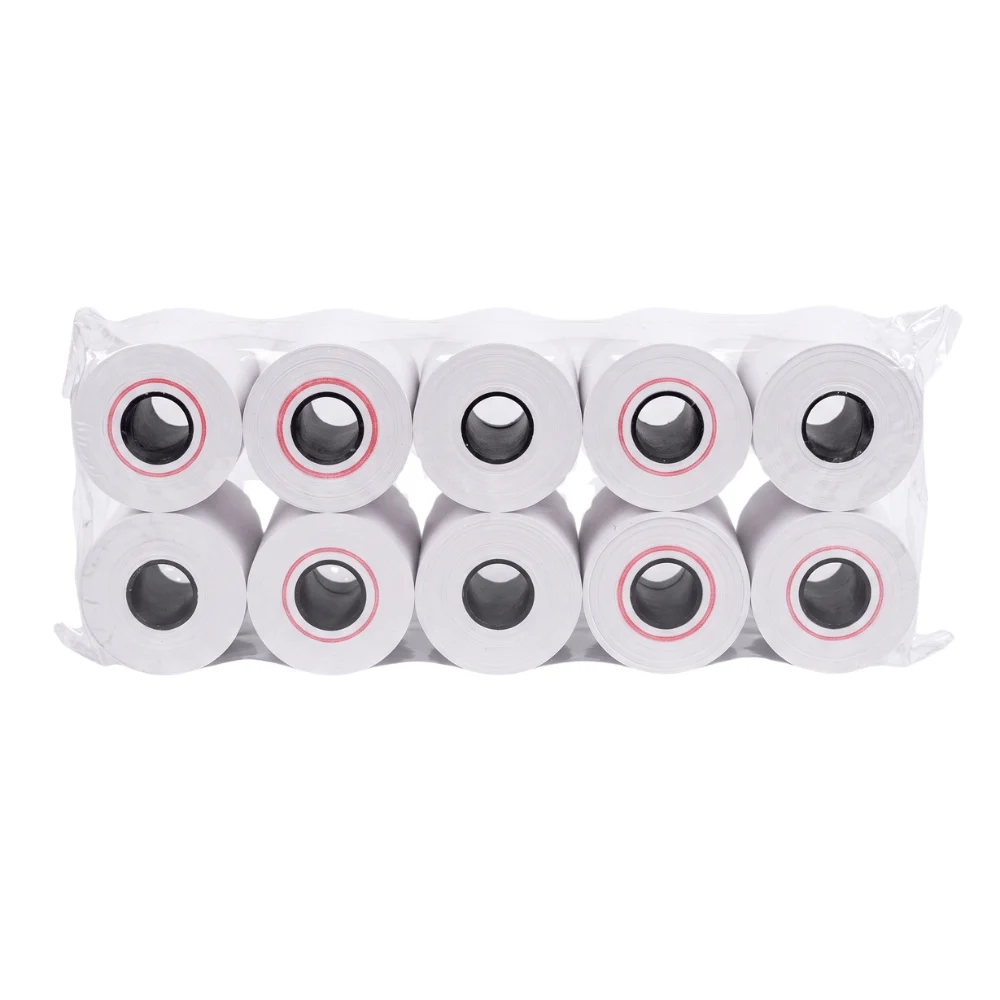
Paper matched to this device – shipped within 24 h.
Compatible thermal rolls
Rolki termiczne 57 mm / 15 m – 10 szt.
15,85 zł net · 19,50 zł
Cancelling a receipt
If the receipt has already been printed – it cannot be cancelled. You must notify your accountant about the erroneously issued document.
If the receipt has not been printed yet (on the SUBTOTAL screen):
Select: FUNCTIONS → CANCEL RECEIPT
Free downloadable forms
Download ready-to-print forms and use them when needed.
Daily report
Generate a daily report at the end of every day when sales were conducted.
FUNCTIONS → QUICK FUNCTION → DAILY REPORT
Periodic report (monthly)
A monthly report is a sales summary for a full month. Generate it only for a full, completed month (e.g. the July report can be generated on August 1 at the earliest).
• FUNCTIONS → QUICK FUNCTION → MONTHLY FISCAL REPORT
• The report can only be generated for a completed month
(e.g. for July – starting August 1).
Before printing, indicate the month in the format: MM.YYYY (e.g. 07.2025).
Connecting the register to Wi-Fi
FUNCTIONS → MANAGER FUNCTIONS → SETTINGS → REGISTER SETTINGS → COMMUNICATION SETTINGS → HARDWARE SETTINGS → NETWORK SETTINGS → INTERNAL MODULE → WI-FI NETWORKS → NETWORK LIST
Select your network from the list.
Enter the password.
Confirm with the green button.
Fiscal memory readout
After discontinuing the use of the cash register (for example, due to closing down your business) – report the device for a fiscal memory readout at an authorized ESC SA service center.
Reading the fiscal register's memory is a legally regulated procedure aimed at summarizing all fiscal operations and formally deregistering the register from the tax office records. Learn more on the ESC SA blog: Fiscal memory readout – what does it involve and how much does it cost?