
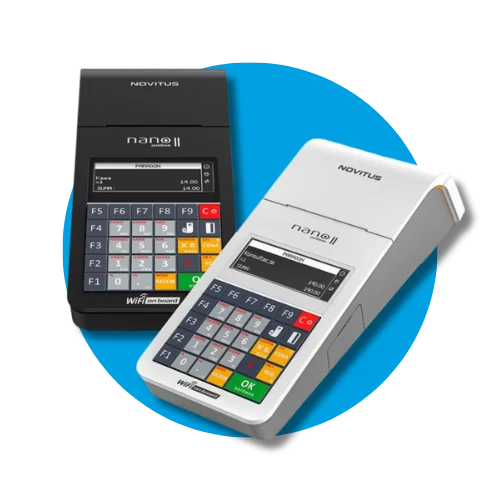
Turn the register on and off by pressing the [POWER] button on the left side of the casing (the register starts up in approx. 25 s).
Turning the cash register on and off
Mandatory technical inspection
A technical inspection is required every 2 years. Leave your number and we will call you back.
Registering sales
After turning on, SALE is displayed.
1. Select an item/service :
Enter the item number and confirm with the [KOD] key
EAN product code | Item name | VAT rate |
|---|---|---|
1 | Sandwiches | E |
2 | Pretzels | E |
3 | Drink | E |
4 | Cookies | E |
5 | Candy bars | E |
6 | Coffee | E |
7 | Tea | E |
Enter the item price and confirm with the [GOTÓWKA] key
2. To ring up another item, repeat the ACTION FROM POINT 1.
After entering all products on the receipt, subtotal the receipt with the [RAZEM] key
3. Complete the receipt with the [GOTÓWKA] key in case of CASH payment.
Once printed, a receipt can only be cancelled through accounting procedures.
Compatible thermal rolls
Paper matched to this device – shipped within 24 h.
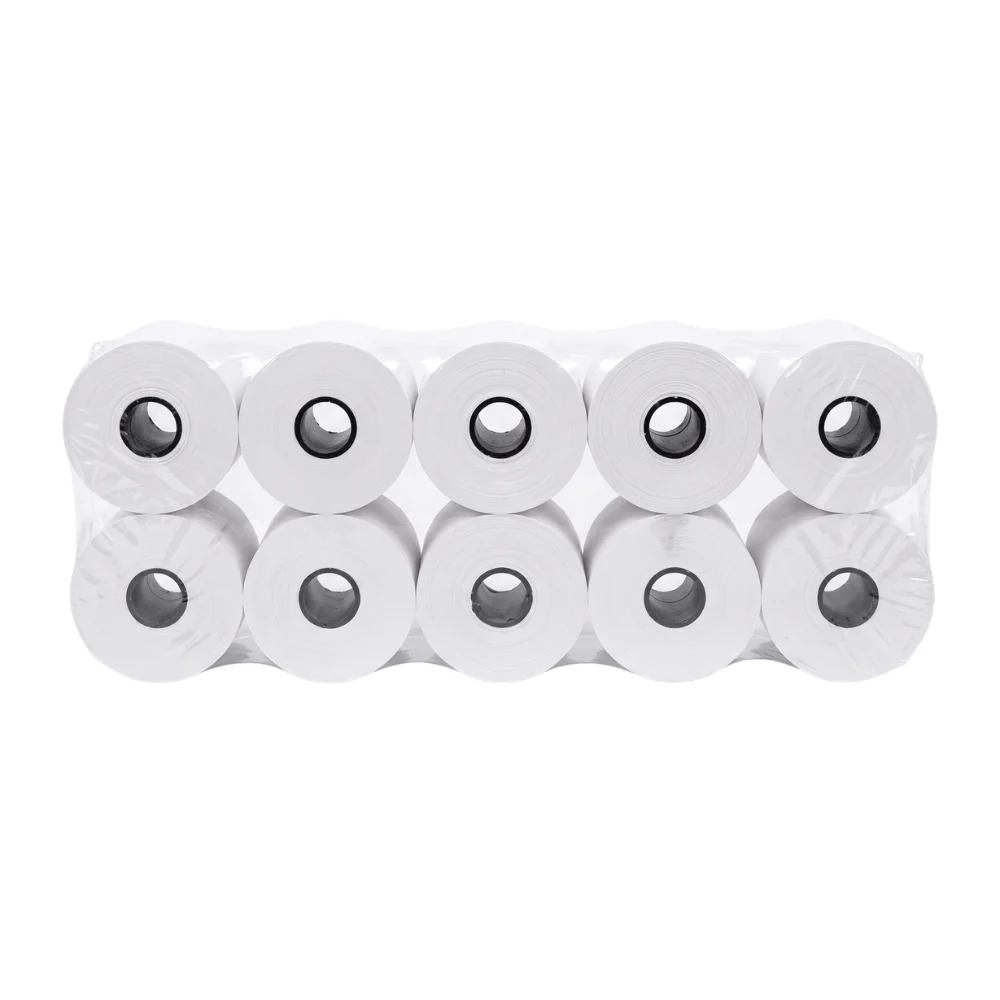
Compatible thermal rolls
Rolki termiczne 57 mm / 30 m – 10 szt.
21,14 zł net · 26 zł
Daily fiscal report
Press the [F7] key – the register will ask whether to print the daily report, confirm with the [GOTÓWKA] key.
When prompted if the date is correct, accept the date with [GOTÓWKA]
Monthly fiscal report
Press the [F8] key
Enter the month and year from the keypad MM-YYYY and confirm with the [GOTÓWKA] key
“1) Full” will be displayed – confirm with the [GOTÓWKA] key.
The monthly report will be printed.
A monthly report can only be generated for a month that has ended, e.g. for July, generate the report on the 1st of August at the earliest.
Free downloadable forms
Download ready-to-print forms and use them when needed.
Fiscal memory readout
Upon discontinuing the use of the cash register (for example due to business liquidation) – submit the device for a Fiscal Memory readout.
Cancelling a receipt before it is printed
To cancel a receipt that has been entered but not yet printed, press the red [F] key, then press [C].
The receipt has been cancelled.